
POS & SALES
Take payments faster, cash up in a minute
Touch POS with handheld order pads, scale, barcode reader and automatic cash drawer. Everything talking to each other from day one.
See POS systems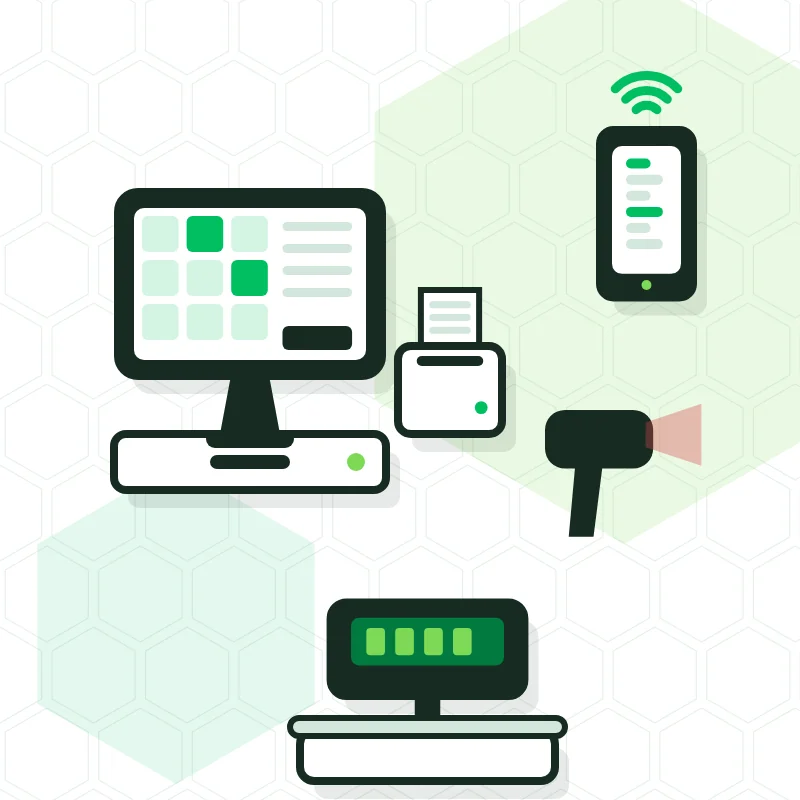
 OK COMPUTER
POS, alarms, cameras, smart home and AI installed by the same team that looks after you afterwards. From the small shop to hotels and large projects, with a quote tailored to you. 15 years in Tenerife and over 1000 customers who no longer think about any of this.












































We don't sell boxes. We configure, train your staff and stay on for maintenance.
Touch POS with handheld order pads, scale, barcode reader and automatic cash drawer. Everything talking to each other from day one.
See POS systemsKits from 2 cameras for a shop up to 128 for hotels and shopping centres. HD IP or HDCVI, local recording.
See CCTV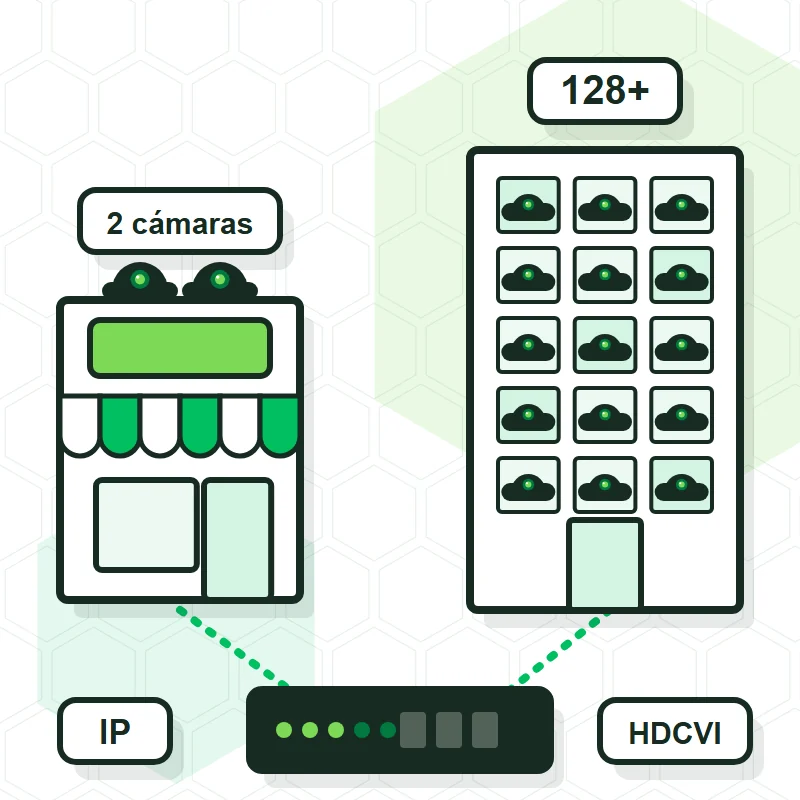
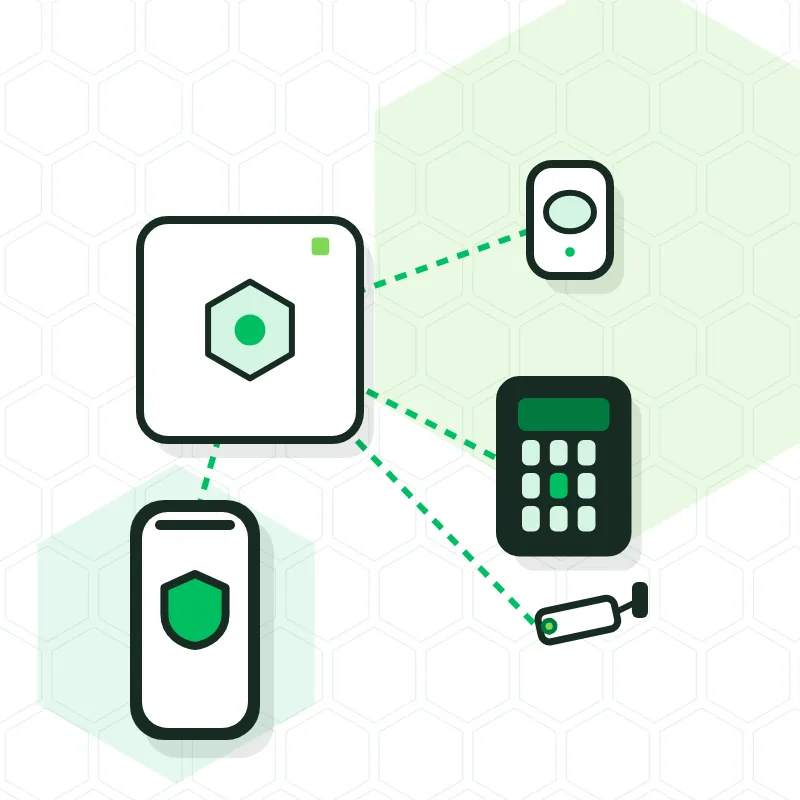
Buy the Ajax system and control it from your phone with nothing to pay each month, add a connection to an alarm receiving centre (ARC) that verifies the alert and calls the police, or choose a monthly fee if you prefer not to pay upfront.
See alarms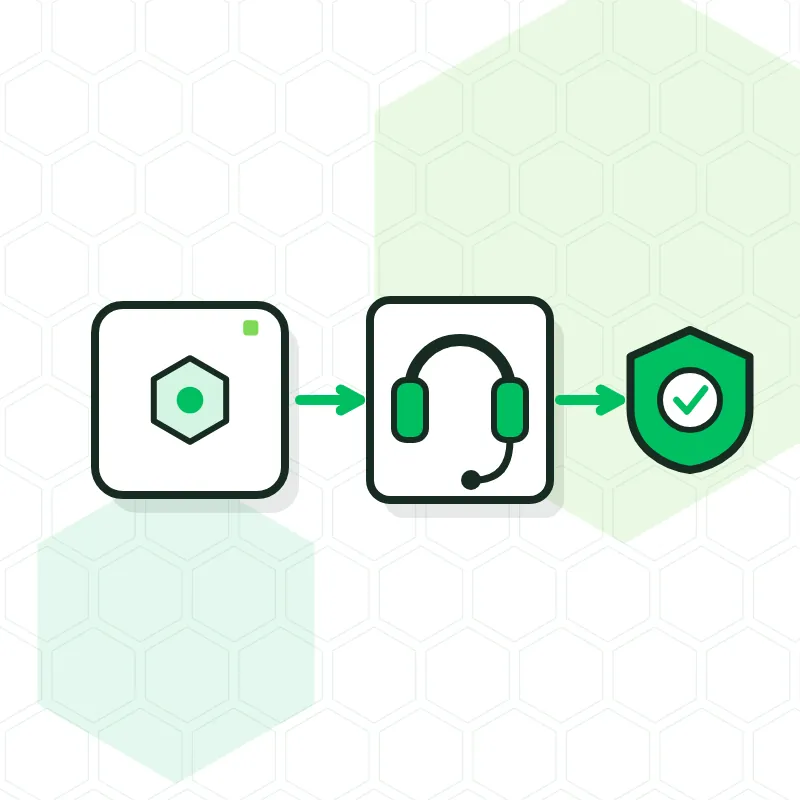
Five areas, one supplier, and the same care for a small business as for a large project. Choose where to start.
Intrusion detection, panic button and control from your phone, with or without an alarm receiving centre.
Home and business · with or without feesDahua and Hikvision cameras with recorder, AI and remote access.
From 2 cameras to large projectsSales systems, networks, time tracking and maintenance for hospitality and retail.
From one bar to a chain of shopsLights, blinds, climate and scenes from a single app.
Turn your house into a smart homeWe don't sell a fixed package. We size the POS, security, smart home and AI to what needs managing or protecting, and we grow with you when you open another venue.
For the bar, the shop, the clinic or the home: we look at the space, propose only what you'll use and leave it up and running, with your staff trained.
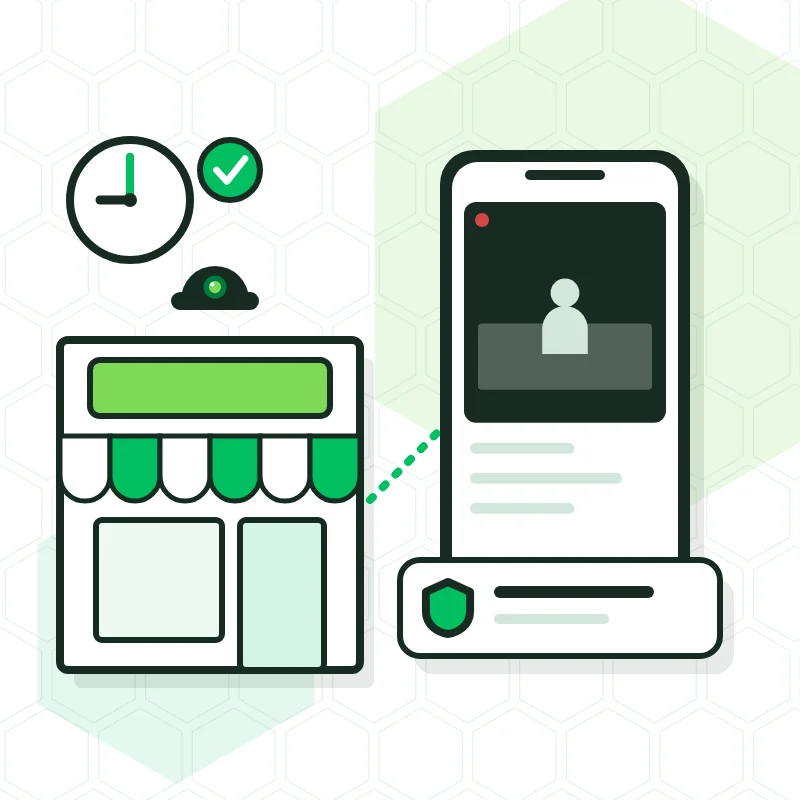
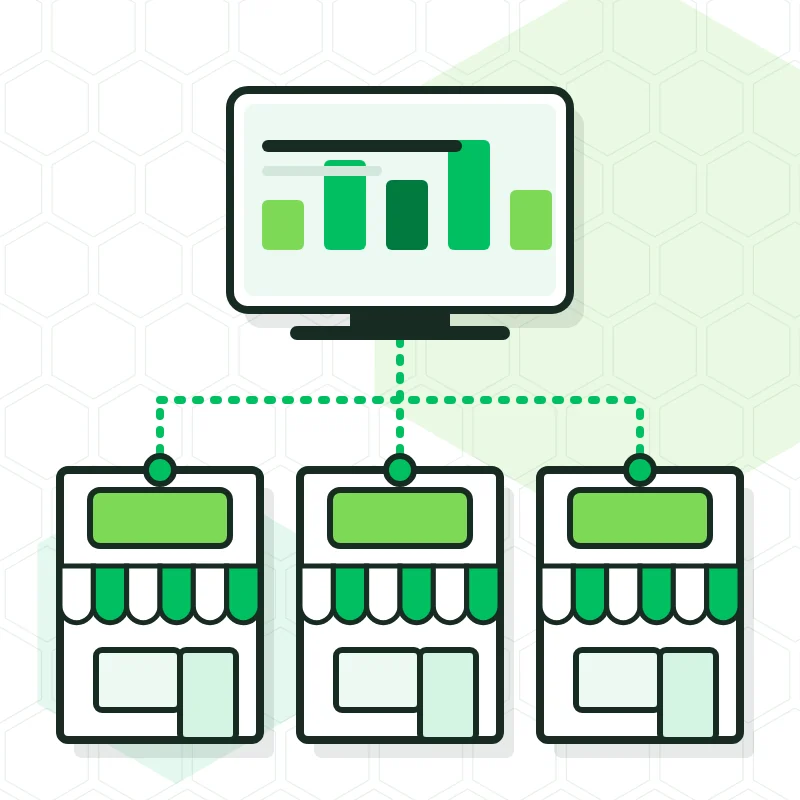
When a business grows, coordination is what fails. We bring sales, cameras and alarms from every site together so head office sees exactly what each store manager sees.
For large installations we survey the building, draw up the project and carry it out in phases without stopping operations. Security, access, network and smart home designed together from the start.
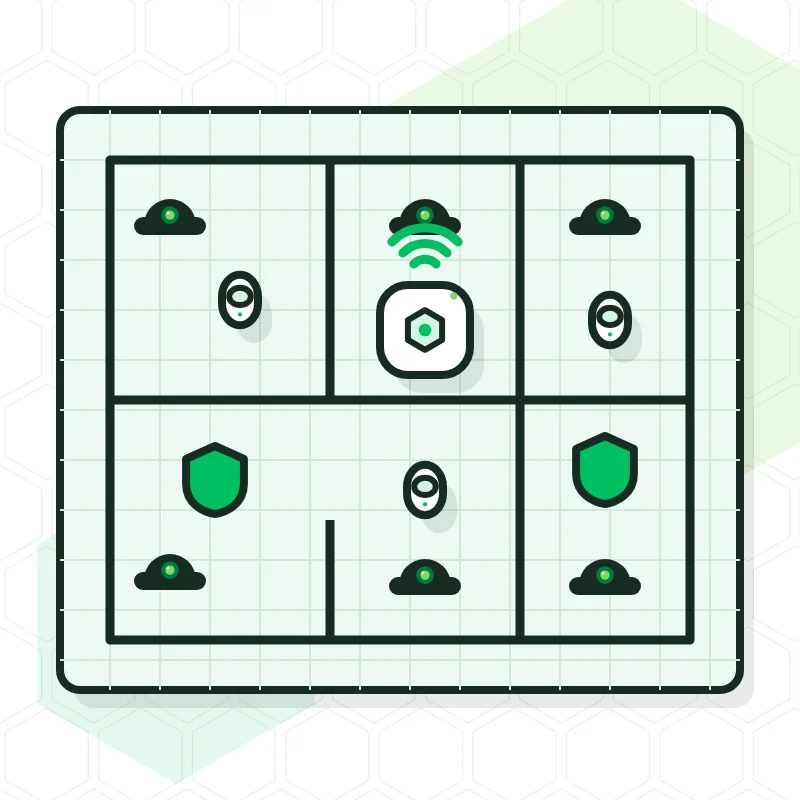
Programs built for your business, AI assistants that answer your customers and tasks that run on their own. Connected to your POS and your systems.
We work with brands we can still repair and extend in ten years.
From the corner bar to the apartment block: every place has its combination.
POS with handhelds for floor and terrace, automatic cash drawer, and cameras that let you see the till from home.

Sales system with scale and barcode reader, and CCTV with local recording and no monthly fee.
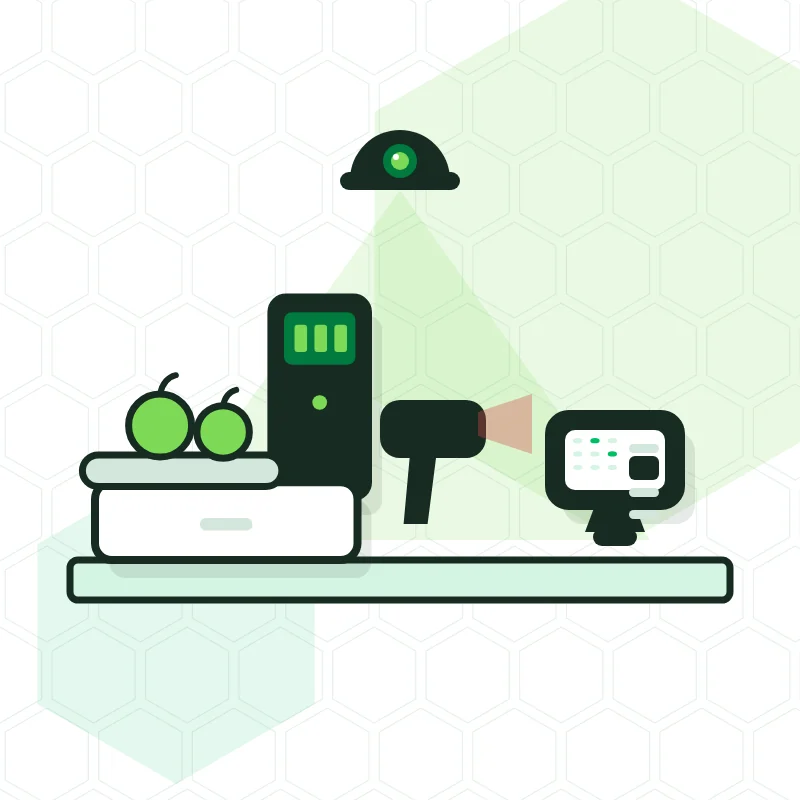
Ajax for the alarm, outdoor cameras, and lights, blinds and climate from one app. All yours, no rentals.

CCTV for garages, pools and entrances, with local recording and access for the administrator.
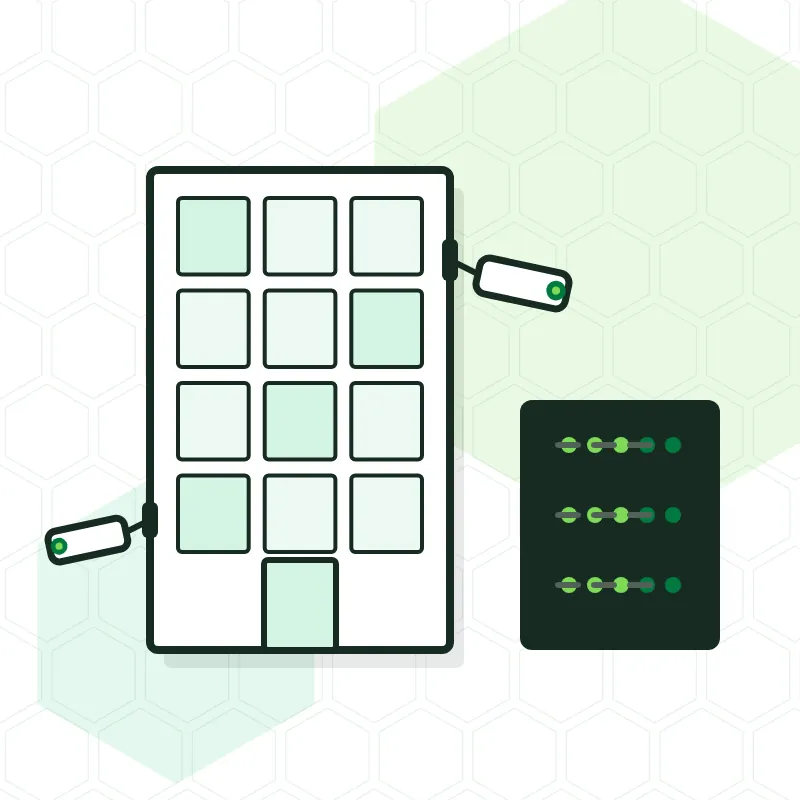
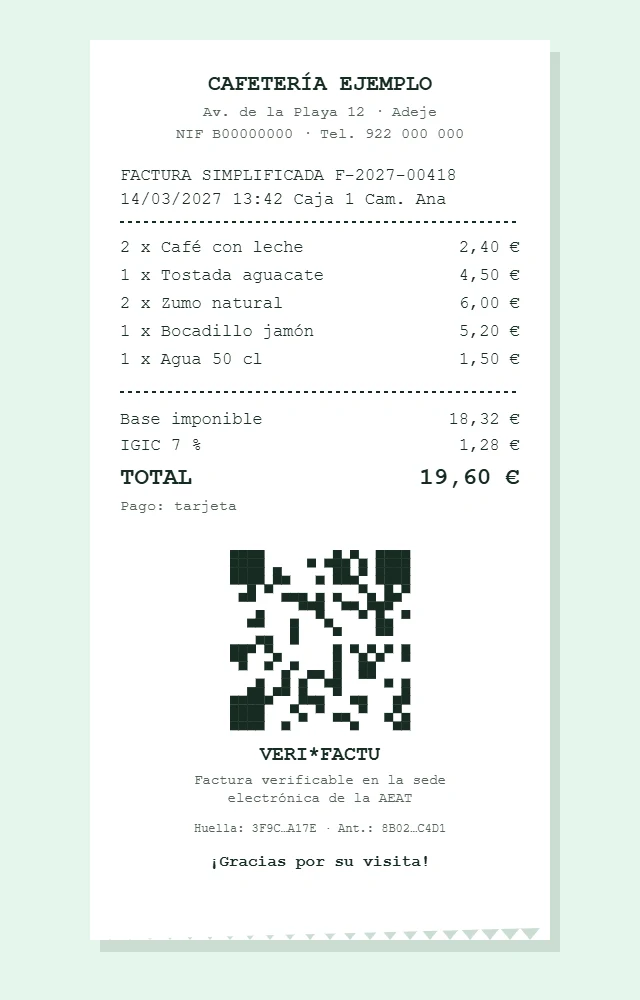
Spanish law will require every invoice to be recorded and chained. We leave it configured, without you having to understand the regulation.
What you notice after the installation, which is when it matters.
| OK Computer | Typical installer | |
|---|---|---|
| After installing | A shop in Adeje and on-site support | A phone line that sometimes gets answered |
| Options | Your choice: own the system with no fee, monitored by an ARC, or a monthly fee | One formula only: rental with a long contract |
| POS and security | One supplier for sales, cameras, alarm and network | Three companies blaming each other |
| Software | We set up your menu, your taxes (IGIC) and your printer | They leave you the manual |
| Experience | 15 years and over 1000 installations on the island | Depends on who turns up that day |
| Project size | From sole traders to hotels and chains, with project and maintenance | Fixed kits that don't grow with you |
| Quote | Personalised and in writing, after seeing your space | Catalogue price over the phone |
4.9 out of 5 on Google, from 126 customer reviews (translated from Spanish).

Without a doubt the best on the island for POS installation and maintenance. Good prices and excellent service. Highly recommended.
Excellent service. They fix any problem quickly and very professionally. It is a pleasure to find a company that responds so well when something goes wrong. Highly recommended.
Everything perfect, professional and precise. The best company for installing cash registers and cameras. Immediate support. Highly recommended.
Talk to the people who will help you choose, install and maintain your solution.
Tell us what you need. We look at the space and what's possible.
We give you a personalised written quote with a clear scope, and install the equipment set up for how you work.
You learn to use your system and can count on us for maintenance.
Every quote is personalised: for a shop, a home, a chain of venues or a large project. We come and take a look, propose only what you need and put it in writing, with no obligation. If you prefer, drop by our shop in Adeje.
Personalised, no-obligation quote. We reply during shop hours, Monday to Friday.
The shop is in Armeñime (Adeje) and most customers are between Costa Adeje, Los Cristianos and Arona, but we install anywhere in Tenerife. In the north we do the installation and the set-up in the same trip.
Your choice. You can buy the system and manage it from your phone with nothing to pay each month; buy it and connect it to an alarm receiving centre (ARC), which verifies every alert and calls the police, paying only for that service; or choose a monthly-fee option if you prefer not to pay upfront. Cameras record on your own premises and need no fee.
Both. Most customers are small businesses and homes, but we also carry out projects for hotels, residential communities, warehouses and chains with several venues: we survey the building, draw up the project, install in phases without stopping operations and sign a maintenance contract.
It's the Spanish regulation (RD 1007/2023) requiring invoicing software to record every invoice in a chained way that the Spanish Tax Agency (AEAT) can verify. It affects any company or self-employed person who invoices with software. The POS systems we install already cover it and we leave it configured before the 2027 deadline.
In most cases yes: we export products, categories, customers and prices from your current system and load them into the new one. We confirm it once we see what software you use now.
They range from pay-as-you-go (one-off call-outs only) to Gold (priority, visits included and equipment replacement). The main difference is response time and what's covered at no extra cost. We'll show you the comparison table in the shop or send it by email.
A POS with a handheld, half a day. A 4 to 8 camera kit, one day. An Ajax alarm, two to four hours. Larger installations we plan with you so the premises don't have to close.