

CABLING
Cable where it matters, Wi-Fi where it suits
The POS, the kitchen printer, the smart drawer and the recorder run by cable to a switch. That's what can't drop out in the middle of dinner, and by cable it doesn't.
Get a quote
When the handheld drops out on the terrace or the kitchen printer "doesn't print", it's almost never the POS's fault: it's the network. Tenerife TPV (OK Computer) builds the venue's network around the point of sale: POS, printers and recorder by cable; handhelds on their own Wi-Fi with coverage across the whole terrace; and customers on a separate network that sees nothing of yours.






The POS, the kitchen printer, the smart drawer and the recorder run by cable to a switch. That's what can't drop out in the middle of dinner, and by cable it doesn't.
Get a quote
Professional access points where they're needed, a network just for the handhelds and the manager's phone, and roaming from one point to the next without losing the order.
Get a quote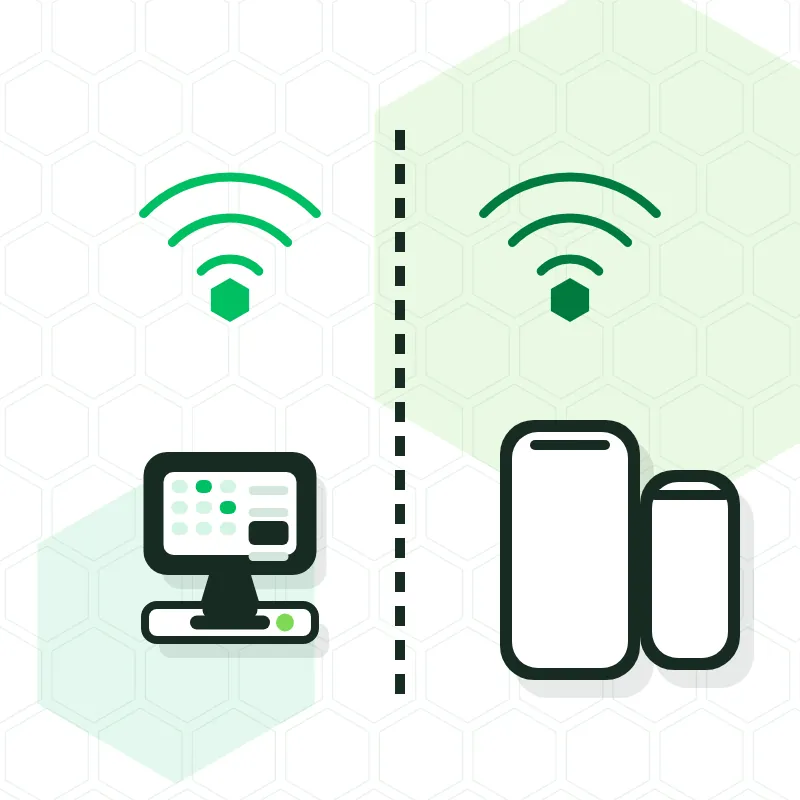
Isolated guest network, with a welcome portal if you want, and no way for anyone to see your till from their phone.
Get a quoteAs the internet gateway, yes; as the venue's Wi-Fi, better not: it doesn't separate networks, doesn't cover the terrace and reboots whenever it likes. Behind the router we put a switch and as many access points as needed.
It depends on the square metres, the walls and the terrace. We measure on the visit; a bar with a terrace usually needs two, a large restaurant three or four.
Yes. The POS, handhelds and printers talk to each other over the local network, not the internet. Only the card terminal and VeriFactu need internet, and with VeriFactu the records are sent when the connection returns.
Yes, but we handle that from okcomputertenerife.com, OK Computer's general site, where you'll find networks, servers and full IT maintenance. Here we focus on the network that keeps the till running.
No two venues are alike: a bar with a terrace, a greengrocer with scales or a chain of five shops need different things. We come and look, suggest only what you'll use and give it to you in writing with hardware, software, installation hours and IGIC. If it suits you better, visit our shop in Armeñime, Adeje.
Tailored, no-obligation quote. We reply Monday to Friday during shop hours. Tenerife TPV is OK Computer's point-of-sale brand (Dalmon Sistemas S.L.).