
Card terminal linked to the POS or standalone card terminal?
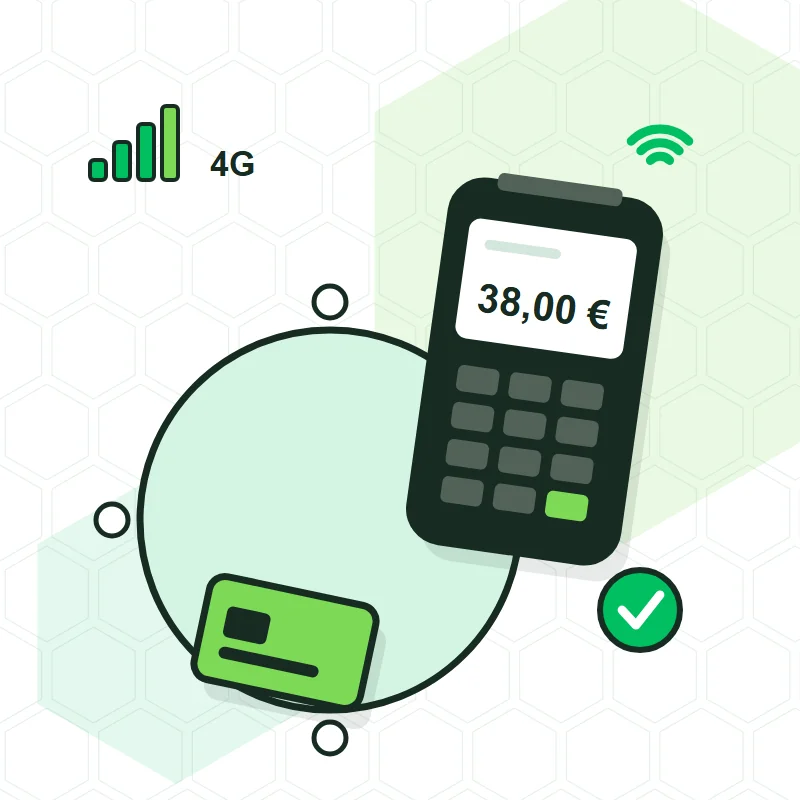
A card terminal linked to the POS receives the amount directly from the software and sends the payment result back to it; a standalone one makes you read the total on one screen and type it into another. For a business that takes most of its sales by card, linking it almost always pays off, because it removes typing errors and makes the till balance without adding up slips. In this guide, Tenerife TPV explains the difference, the cases where you don't need it and the options available.
What is the difference between a standalone and a linked card terminal?
The standalone card terminal is the one the bank supplies: it works on its own and knows nothing about your receipts. The waiter or shop assistant looks at the total, types it in, waits for the slip and then marks in the POS that the sale was paid by card. They are two systems that only match if the person makes no mistake.
The linked card terminal works through a payment gateway, which is the service that connects the software with the card terminal and with the bank. When you press «card» on the POS, the amount appears by itself on the card terminal; when the bank accepts, the receipt closes and the payment is recorded on it. If the payment is declined, the table stays open.
What problems does linking the card terminal remove?
- The wrongly typed amount: an extra zero, a misplaced decimal point or 18.50 where it should have been 15.80.
- The payment taken for granted: the table is marked as paid and the card never actually went through.
- Closing with a calculator: the software separates card from cash and compares it with what the card terminal says.
- Mix-ups between workstations: with several tills or several waiters, each card terminal knows which receipt it is charging.
- Time: in a queue, the seconds spent typing and checking are repeated for every customer.
When is it not worth it?
When few payments are by card and there is a single person at the till. A small business, with few card payments a day and always the same employee taking them, can stay with the bank's card terminal without the cash-up suffering. Integration starts to show its value when one of these three things appears: a high volume of card payments, several people taking payment, or payment away from the till, at the table or on the terrace.
What options are there for linking the card terminal to the POS?
Tenerife TPV works with three providers, and each suits a different case:
- Dojo: handheld card terminal that uses Wi-Fi and switches by itself to 4G if the venue's network fails. Designed for taking payment at the table or on the terrace; the money reaches your account the next day.
- Paytef: independent Spanish payment gateway that works with Redsys and CECA, so you can normally stay with your bank. It also lets you take payments with an Android phone.
- Glop Pay: Glop's own card payment service. It works with an included card terminal, with the waiter's phone or with a QR code printed on the bill, and only works if your software is Glop.
Not every program supports every gateway. Before proposing one, Tenerife TPV checks which integration your program and version have, whether it is Glop, BDP, Sysme or Last.app. The full comparison is in payment gateways.
Do I have to change bank to link the card terminal?
Not necessarily. With Paytef it is usual to keep your bank, because it uses the same payment networks as most Spanish banks. With Dojo, Dojo handles the payment and the money is paid into the account you specify, whichever bank it is with. Glop Pay is Glop's payment service and doesn't depend on your bank either.
How much does it cost in fees?
Each provider sets its own rates according to the type of business and how much it takes by card, and revises them over time. That is why Tenerife TPV does not publish figures: in each quote it states the current rate for the option it proposes, separate from the installation cost, so that you can compare it with what you pay your bank today.
What should I ask before signing up for an integrated card terminal?
- Does it work with my POS software and the version I have installed?
- What happens if the Wi-Fi goes down: does it have 4G or does it stop taking payments?
- When does the money reach my account?
- Is there a minimum contract term, terminal rental or minimum turnover?
- How are tips and refunds recorded?
- Who sets it up and who answers if a payment doesn't balance?