
What happens to the POS if the internet goes down or the power goes off?
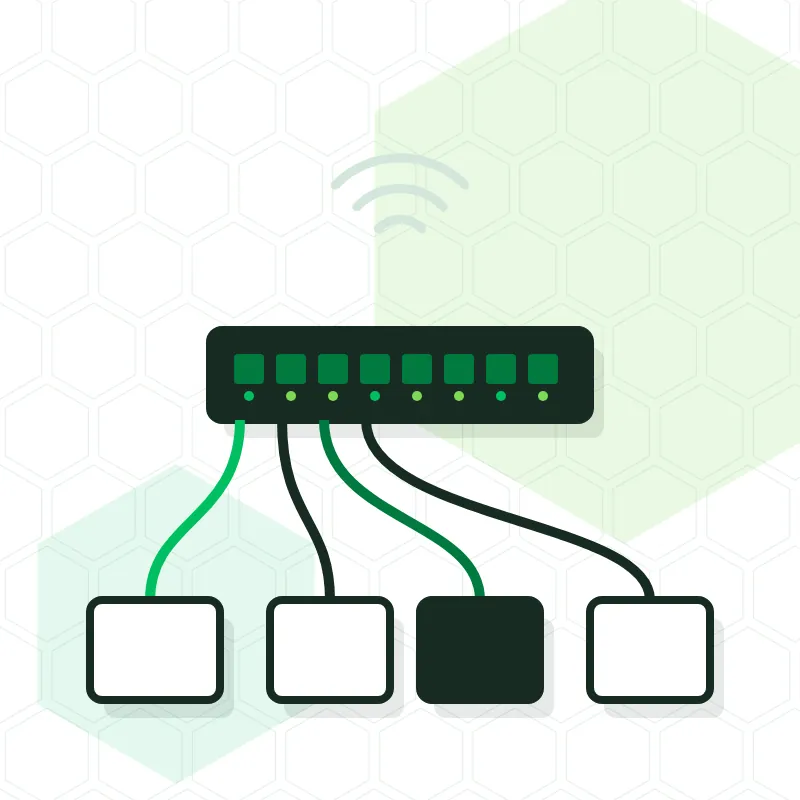
If the internet goes down, a POS installed at the venue itself keeps taking orders, printing in the kitchen and issuing receipts, because its equipment communicates inside the venue and not through the internet. What stops working is whatever depends on the outside world: card payments and the sending of records to Hacienda, which is held in a queue. If it is the power that fails, the system keeps going for as long as the UPS allows. This Tenerife TPV guide explains each case and what you can prepare in advance.
Can I keep taking payments if the internet goes down?
In cash, yes, with no change at all. Glop, BDP and Sysme are installed on a computer at the venue and store their data there: the screen, handhelds and printers talk to each other over the internal network. As long as that network stays up, the waiter takes the order, the ticket comes out in the kitchen and the receipt prints like any other day, even if the operator's line is down.
A program that runs in the cloud, such as Last.app, depends more on the connection. At the venues where it installs it, Tenerife TPV checks what the program can do without a line and recommends having a second, backup connection.
And the card terminal? Can I take card payments without internet?
No: the card terminal needs a connection for the bank to authorise each payment. What differs from one terminal to another is where it gets that connection. A terminal that only uses the venue's Wi-Fi goes out of service at the same time as the router. The Dojo Go, one of those Tenerife TPV connects, switches by itself to the 4G mobile network when the Wi-Fi fails, and keeps taking payments. For a business where almost everything is paid by card, that second route is worth more than any other improvement.
What happens with VeriFactu if there is no connection?
The receipt is issued all the same. The software generates the invoicing record at that moment, with its chaining and its QR code, and stores it; when the connection returns, it sends everything pending to Hacienda without anyone having to do anything. The rules anticipate these incidents and require the software to retry sending on its own. The important thing is not to switch off or reinstall the computer while records are still unsent, and to have a backup.
And if the power goes off?
Then the UPS takes over, the battery that sits between the socket and the equipment. Tenerife TPV installs one with every system: it keeps the POS and the receipt printer on for between one and two hours, which is plenty of time to take payment for open tables, close the till and shut down in an orderly way. It also protects the equipment from voltage spikes when the power comes back, which is when most drives and power supplies get damaged.
For the handhelds to keep working too, the switch and the Wi-Fi access points have to be connected to a UPS. It is a detail decided when the network is set up and one that hardly anyone misses until the first blackout.
How do you prepare a venue so that an outage doesn't stop the till?
- POS, printers and automatic cash drawer connected by cable to a switch, not by Wi-Fi.
- A dedicated Wi-Fi network for the handhelds, separate from the customers' Wi-Fi.
- A UPS for the POS and the printer, and another for the switch and the access points.
- A card terminal that can use 4G, or at least a spare one that does.
- A double backup, on the computer and in the cloud, checking that it can be restored.
- A cash drawer that can be opened with a key if everything else fails.
Who do I call when it happens?
If the outage is down to the operator or the electricity company, call them; a well-installed POS holds out in the meantime. If the line and the power are fine and it is the till that is failing, call your installer. Tenerife TPV provides phone and remote support Monday to Friday from 9:00 to 17:00, and the Silver and Gold plans cover emergencies outside those hours; Gold includes weekends and replacement of the faulty equipment.